

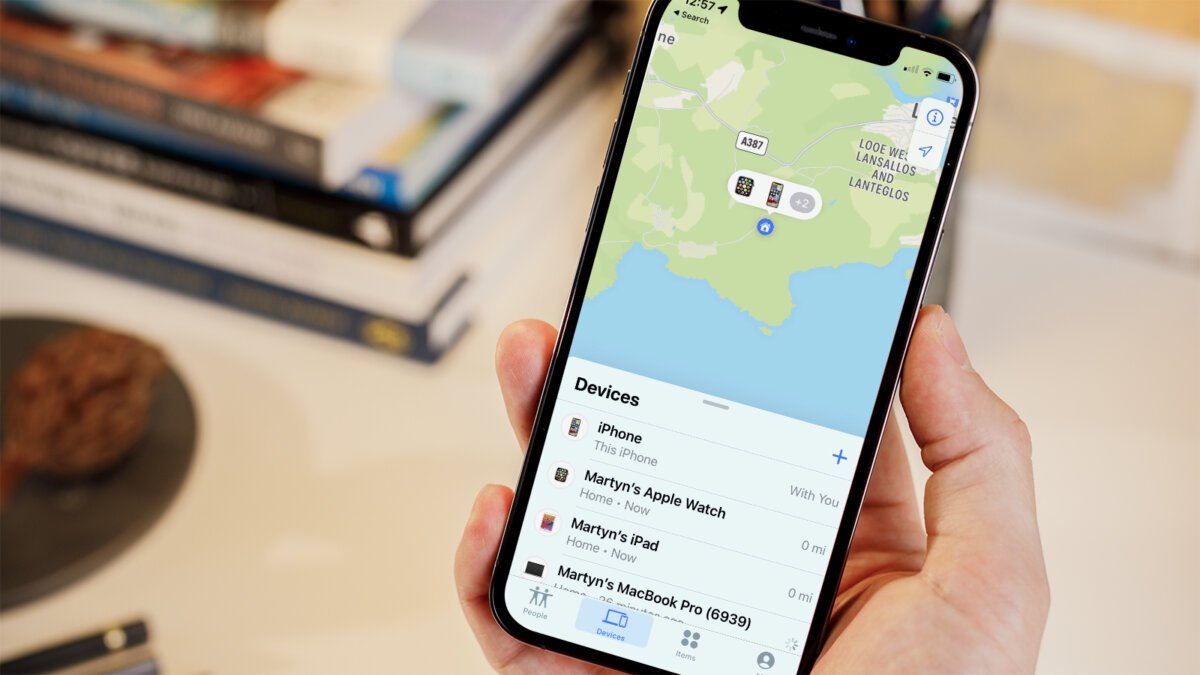
Finding lost or stolen devices is one of the most important functions of modern technology. This function allows users to easily track their devices and take necessary actions. Activating this feature is one of the first steps taken to ensure the security of the device.
Redaksiya reports that activating the "Find My" function on iPhone 17 is quite easy and involves a few simple steps. First, you need to go to your device's "Settings" section. Then, tap on your Apple ID and navigate to the "Find My" option. In this section, ensure that the "Find My iPhone" function is active. If it is not active, switch it to the active state.
After activating the "Find My" function, you can track the location of your device. This is very useful in cases where your device is lost or stolen. You can also activate the "Send Last Location" function. This function automatically sends the last location of your device to Apple when the battery is low, increasing the chances of finding your device. Proper configuration of these functions will significantly enhance your device's security.