

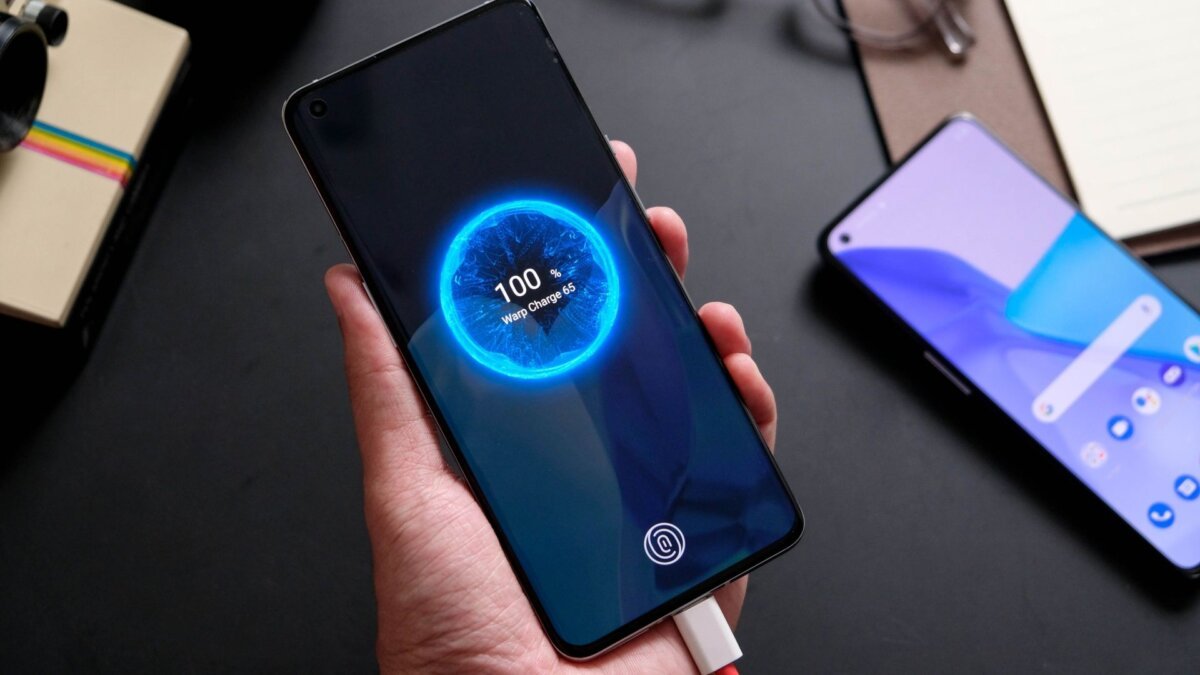
Encountering a "slow charging" message or a "will be fully charged in two hours" notification when plugging in your Android phone, despite its advertised fast charging capabilities, can lead to user dissatisfaction. Such situations result in the device not reflecting its promised performance and can confuse users. In this article, we will investigate the causes and solutions to this problem.
Redaksiya reports that fast charging capabilities in Android phones are provided by manufacturers through various technologies. However, a number of factors must be considered to utilize the full potential of these technologies. The charger, cable, and the phone itself play a crucial role in this process. If one of these components is incompatible, it will not be possible to achieve fast charging.
To fully utilize your phone's fast charging capability, you must first have a compatible charger. It is important to choose a charger that supports the fast charging standard your phone supports. For example, if your phone supports `Quick Charge` technology, you should purchase a charger that supports this technology. Also, the power of the charger is an important factor. Choosing a charger that provides the maximum power your phone supports will optimize charging time.
The cable also plays an important role in the fast charging process. A low-quality cable or one that does not support the fast charging standard your phone supports can prolong charging time. It is recommended to use original or certified cables. These cables will ensure your phone is charged safely and quickly.
The phone's software and battery health can also affect fast charging capability. Outdated software can slow down the charging process. Therefore, it is important to regularly update your phone's software. Battery health also affects charging speed. Old or damaged batteries can prevent you from fully utilizing fast charging capabilities.
The temperature of your phone is also one of the factors affecting charging speed. Charging at high temperatures can slow down the charging speed. When charging your phone, it is recommended to keep it away from direct sunlight or other heat sources.
In some cases, your phone's power-saving mode can also limit charging speed. Turning off power-saving mode can help increase charging speed. Additionally, apps running in the background can also slow down the charging process. When charging, closing apps running in the background will optimize charging speed.
Finally, the cleanliness of your phone's charging port is also important. Dust or other debris can weaken the contact of the charging port and slow down charging speed. Regularly cleaning the charging port will ensure better charging performance. By following these simple steps, you can fully utilize your Android phone's fast charging capability and ensure your device charges faster.