

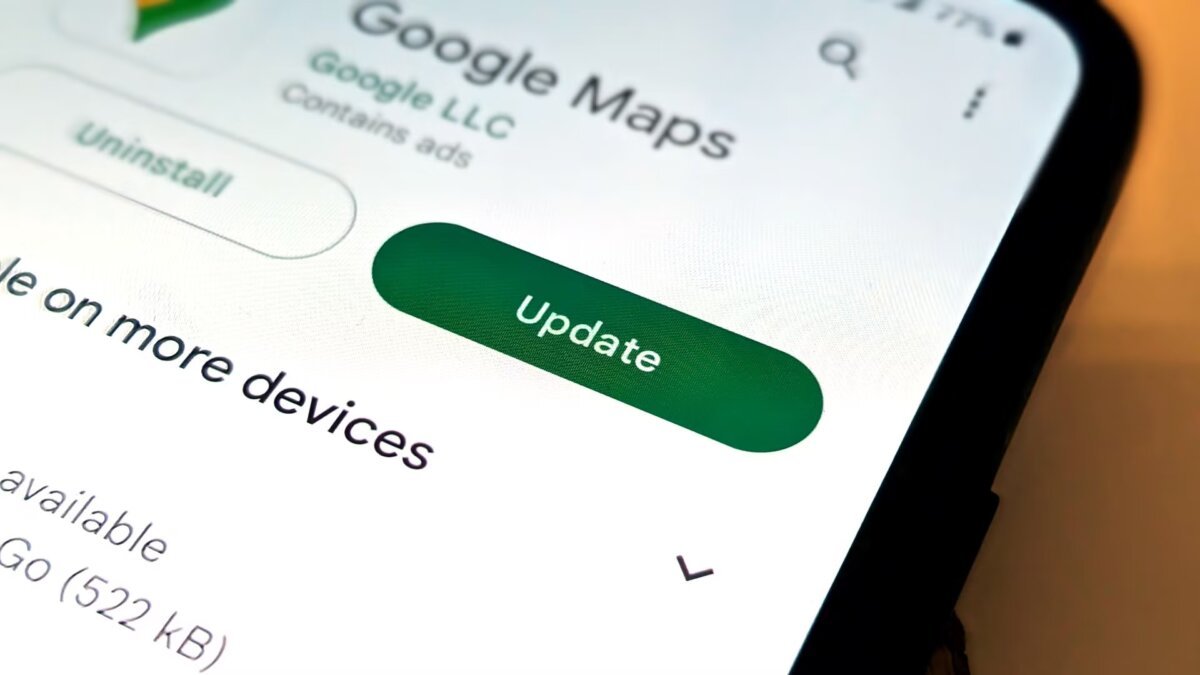
The automatic app update feature on Android devices allows users to avoid the obligation of manually updating applications. This function checks for new versions in the background, ensuring that applications are updated without user intervention. This helps users keep their devices secure and modern.
Redaksiya reports that when the automatic update function is enabled, the device checks for new app versions in the background and downloads them according to the user's preferences. Thanks to this process, applications receive the latest features, security updates, and bug fixes. This ensures that users do not need to constantly check the store.
To enable the automatic update function, users must first open the Google Play Store. Then, they should tap on their profile picture and navigate to the "Manage apps & device" section. Here, in the "Updates" section, a list of apps that need updating will appear. To enable the automatic update function, users should tap on the "Automatic update" option and select their desired settings. These settings include options such as updating only on Wi-Fi networks or updating at all times. This function is a convenient tool for users to keep their applications constantly updated and their devices secure.