

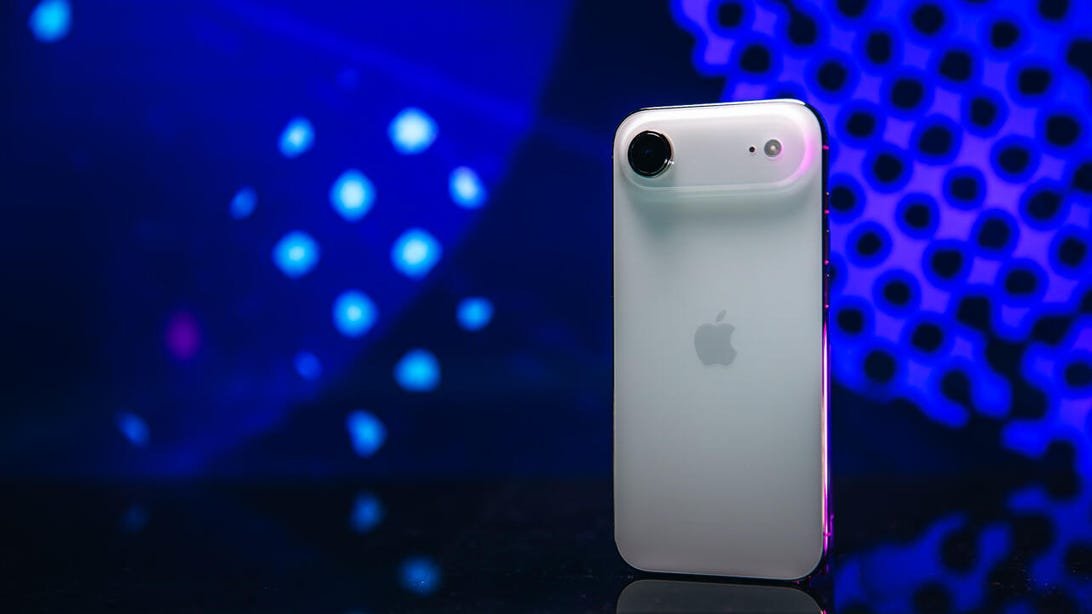
If you receive a large number of iPhone notifications from social media apps, messages from friends and family, and news alerts, you might feel overwhelmed. However, if you have an Apple Intelligence-equipped iPhone, such as the iPhone 15 Pro, Pro Max, iPhone 16 series, or iPhone 17 series, you can activate Priority Notifications on your device to see alerts only from apps that are important to you.
Redaksiya reports that Apple Intelligence "can show potentially important notifications in a separate section on the Lock Screen, so you can learn what you've missed," Apple writes in the feature description. "You can still swipe up to see all notifications." Apple introduced Priority Notifications to these iPhones with iOS 18.4 in March, and you must activate this feature in Settings. Once activated, message notifications from friends and family can appear at the top of your notification stack, instead of being buried under Ring alerts, Apple News updates, and more.
Here's how to activate Priority Notifications on your iPhone: 1. Open Settings. 2. Tap Notifications. 3. Tap Priority Notifications. 4. Tap the slider next to Priority Notifications. After tapping Priority Notifications, a drop-down menu will appear with all the apps from which you can receive Priority Notifications. You can enter the menu and activate or deactivate which apps you want to prioritize notifications from. For more iOS news, you can find an overview of iOS 26, how to reduce Liquid Glass effects in the update, and how text screening works in the update here. You can also check out our iOS 26 roadmap.