

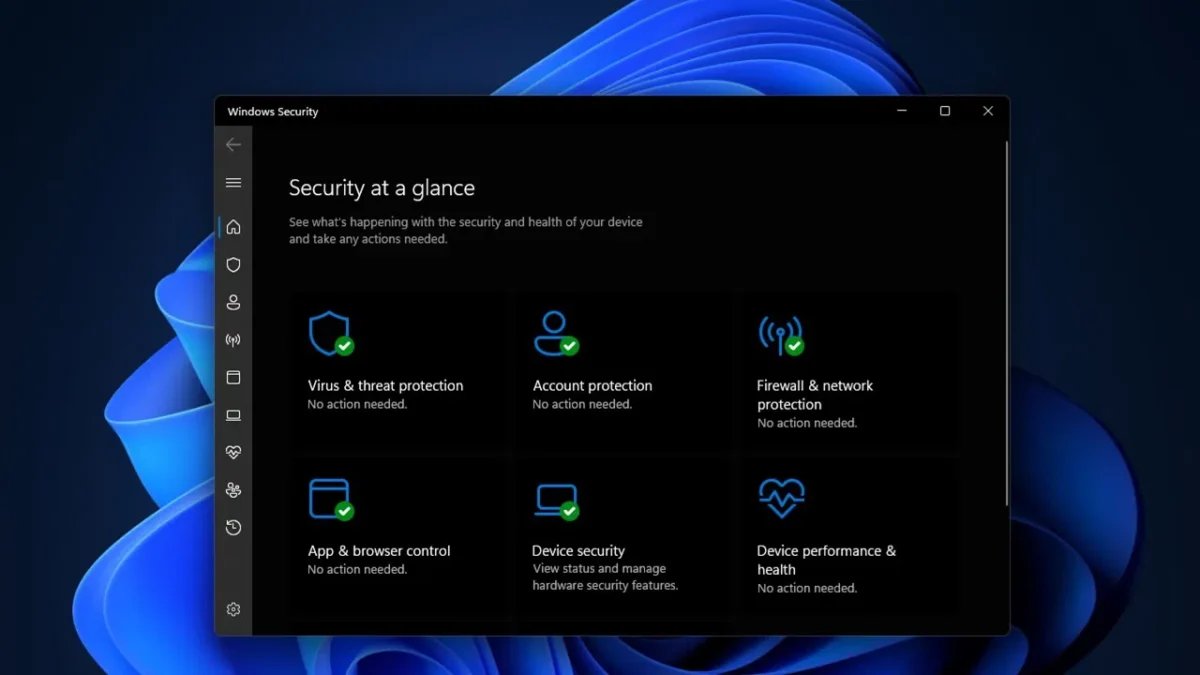
Windows Security (formerly Windows Defender), which comes pre-installed with Windows operating systems, is a key defense mechanism aimed at protecting your computer from viruses and malicious software. However, in some situations, you may need to temporarily disable this protection, especially when you intend to download a file that you are certain is safe.
Redaksiya reports that there are several steps to temporarily disable Windows Security. This process requires consideration of the risks that could potentially endanger your system. Before disabling Windows Security, it is crucial to fully understand the reason for this action and its consequences.
The first step to temporarily disable Windows Security is to open the Windows Security center. You can do this by clicking the shield icon in the system tray or by typing "Windows Security" in the search bar. After opening the center, you need to navigate to the "Virus & threat protection" section. In this section, you will find an option to turn off real-time protection. Disabling real-time protection will weaken your system's defense against viruses and malicious software. Therefore, after taking this step, you should refrain from downloading files you are unsure about or visiting unfamiliar websites. Additionally, restarting your computer after disabling Windows Security can be helpful to fully halt protections.
Temporarily disabling Windows Security may be necessary in certain situations. For example, some programs might be flagged as malicious by Windows Security and thus may not function correctly. In such cases, it may be necessary to temporarily disable Windows Security to install or run the program. However, when taking this step, it is important to ensure the program's safety. Otherwise, the risk of malicious programs entering your computer will increase. After disabling Windows Security, it is recommended to re-enable protections once the program has been installed or run. This is essential to ensure your computer's security.
Temporarily disabling Windows Security is a process that can affect your computer's security. Therefore, it is important to be cautious and adhere to security guidelines when taking this step. Fully understanding the reason for and consequences of this action before disabling Windows Security is the most crucial step to protect your computer's safety.