

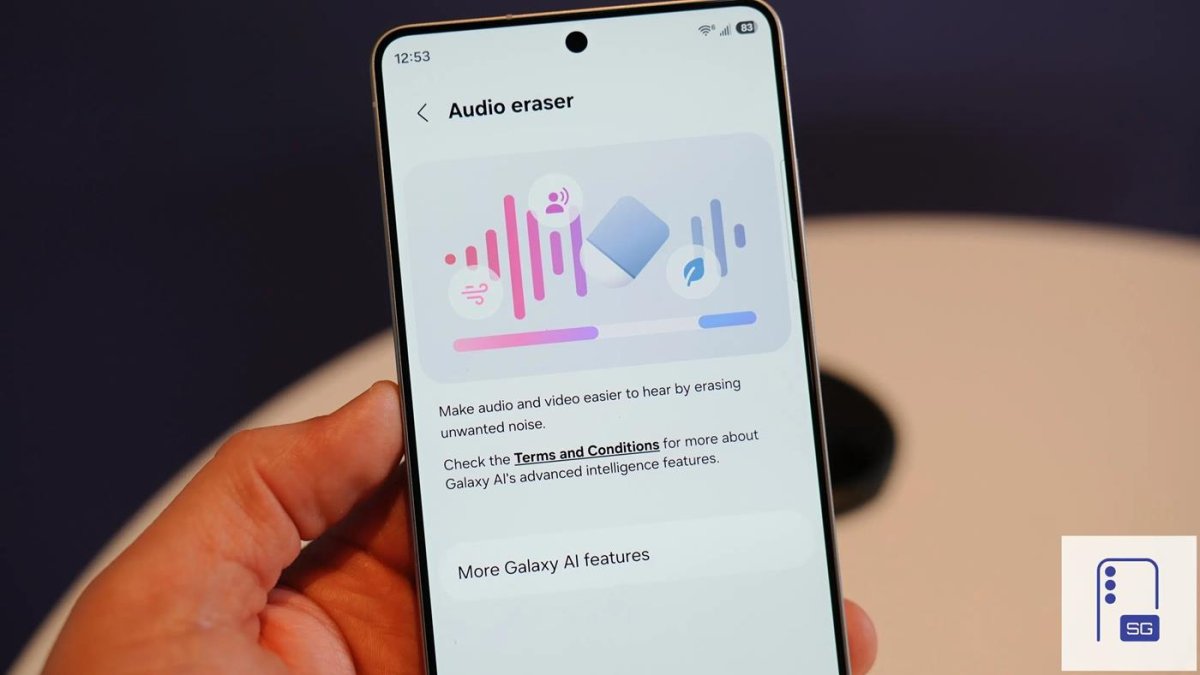
One UI 8.5, which will be introduced with Samsung's upcoming Galaxy S26 series, significantly improves the Audio Eraser function that Samsung introduced last year with the Galaxy S25 family and One UI 7.0. With the new version, this function will now also support third-party applications.
Redaksiya reports that Audio Eraser is a tool that can clean unwanted background noise from videos using artificial intelligence. This tool is activated by tapping the AI icon while watching a video in the Gallery app. According to Samsung, the improved Audio Eraser can now reduce background noise in live streams from third-party applications. Thus, it can be used in almost any live stream you watch. This transforms Audio Eraser from a tool used only during video editing into a feature that is also useful for daily content consumption. Samsung states that it offers support for popular applications such as YouTube, Netflix, and Instagram.
How to use Audio Eraser on Galaxy S26? Galaxy S26 and One UI 8.5 users can activate Audio Eraser via quick settings while watching a live stream. This system is similar in its operating principle to the Live Captions feature. To use the feature, simply swipe down from the top of the screen while watching a video to open the quick settings panel and tap the Audio Eraser icon. Initially, it was reported that Audio Eraser only worked thanks to the Snapdragon 8 Elite processor. However, it was later brought to Galaxy devices with Exynos processors with One UI updates.